1
Download Windows build
Get r6r-windows.zip below. No account is needed to download — you only need a licence key later to activate.
Download R6R
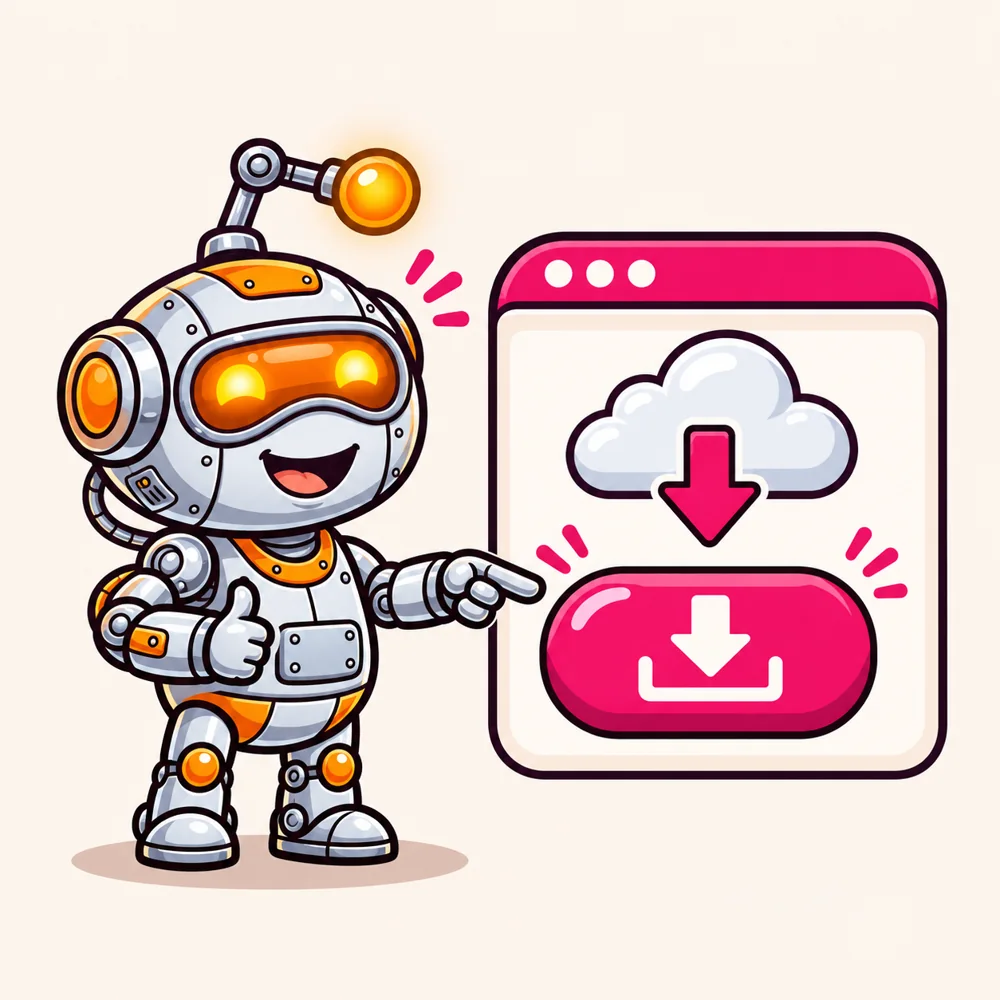

Download it, open it, paste your licence key. That's the whole setup — Chrome is already inside, so there's nothing else to install. Pick your system below and follow the pictures.
We've opened the tab for the computer you're on. Switch if you're installing somewhere else.
Windows 10 or 11, 64-bit. Chrome is bundled inside — nothing else to install.
Get r6r-windows.zip below. No account is needed to download — you only need a licence key later to activate.
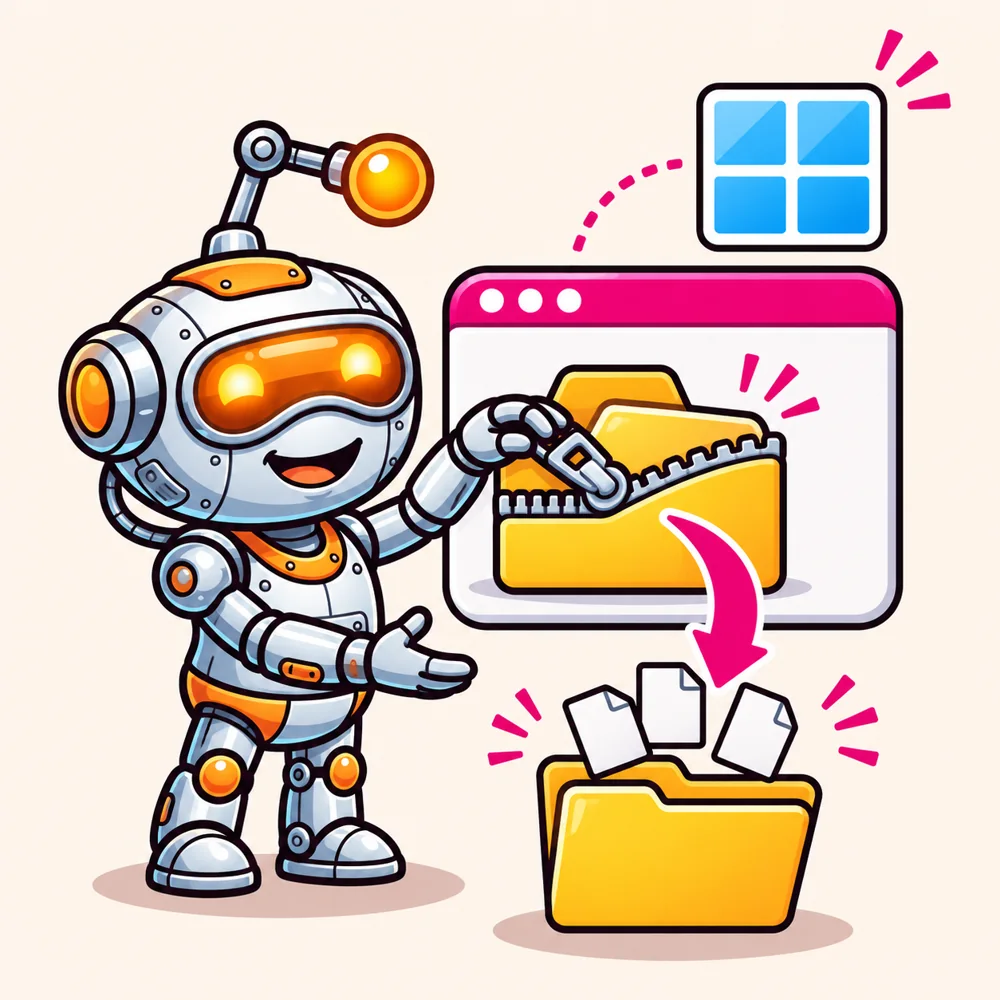
Right-click r6r-windows.zip and choose Extract All…. Pick a folder you will keep, like Documents. Don't run R6R from inside the zip — it needs the files next to it.
Good to know. Keep the browser folder next to r6r.exe. That is the Chrome R6R uses.
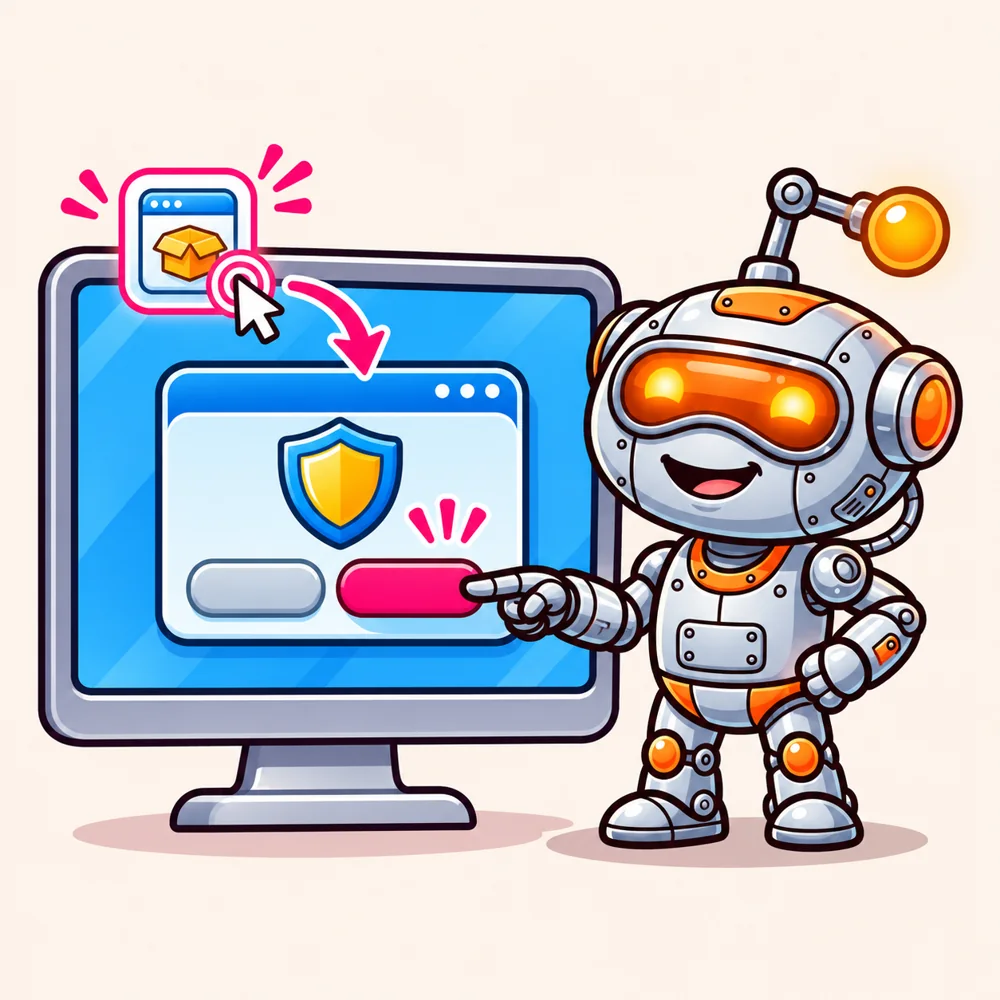
Open the extracted r6r-windows folder and double-click r6r.exe. If Windows says “Windows protected your PC”, click More info, then Run anyway. R6R is a new app, so Windows hasn't seen it before.
R6R is open. Activate it with your licence key ↓
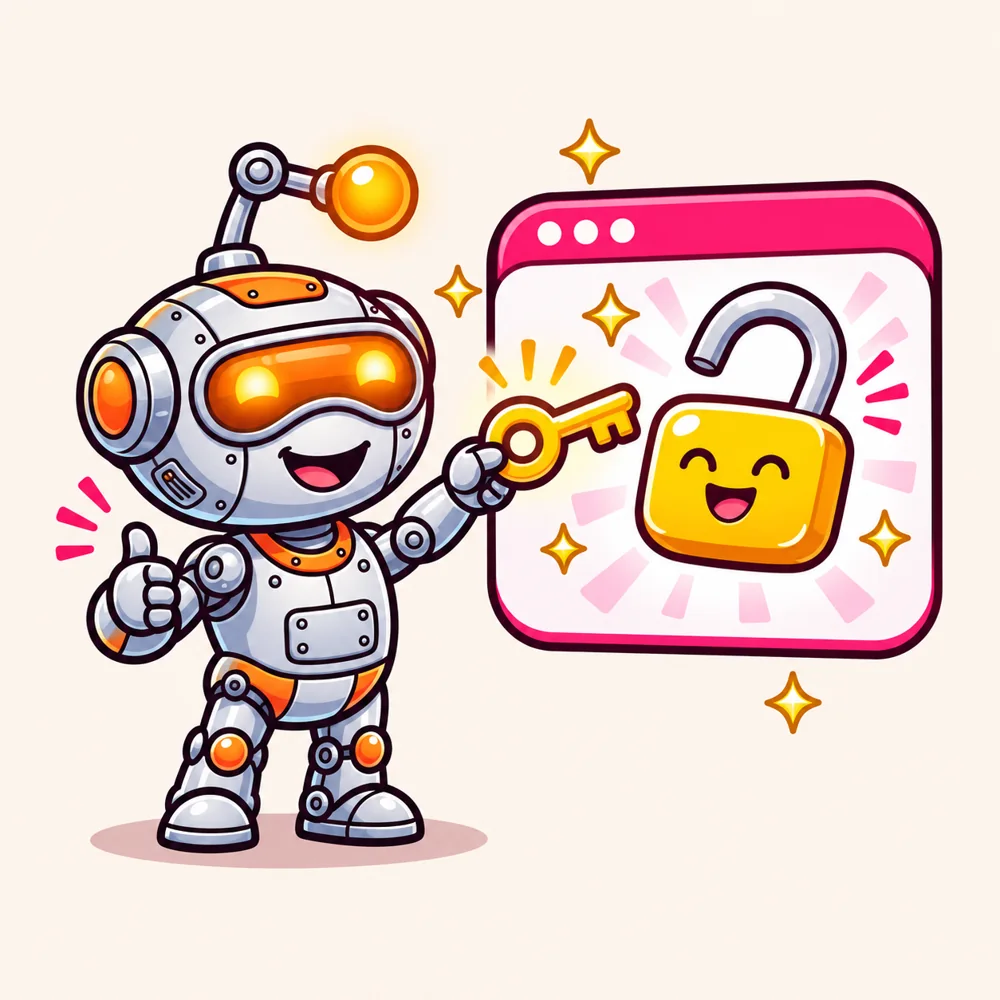
The first time R6R opens, it asks for a licence. This is the same on every system.
RB-XXXXX-XXXXX-XXXXX-XXXXX. Got a key image instead? Drop the file onto the box.Where's my key? It's on the page you see right after you buy, and any time in your licences once you sign in. No key yet? See the plans — the Single machine plan includes a 7-day free trial for eligible customers.
How many computers? A Single machine licence is for one PC or server. Unlimited is for as many as you like.
Your accounts, workflows and history stay on your own computer. When a new version is released, R6R can update itself — updates are free for the first 6 months, and mandatory updates are always free.

The warnings people hit most often, and what to do about each.
The app is fine. macOS puts a quarantine mark on anything downloaded from the web, and for an app that isn't from the App Store it words the warning as “damaged”. Clear the mark once in Terminal, then open R6R again:
xattr -cr /Applications/r6r.appIf you left the app somewhere other than Applications, use that path instead.
Right-click r6r in Applications, choose Open, then Open again. Or open System Settings → Privacy & Security, scroll to the message about r6r and click Open Anyway.
Click More info, then Run anyway. Windows shows this for new apps it hasn't seen before. Make sure you unzipped the folder first — R6R won't start from inside the zip.
Install the desktop libraries R6R draws its window with, then run ./run.sh again:
sudo apt-get update && sudo apt-get install -y libwebkit2gtk-4.1-0 libgtk-3-0 libxdo3 libayatana-appindicator3-1On another distribution, install the equivalent WebKitGTK 4.1, GTK 3, libxdo and AppIndicator packages.
Copy the key straight from your ReachBlast account instead of typing it, and check there are no spaces before or after it. It looks like RB-XXXXX-XXXXX-XXXXX-XXXXX. If you were given a key image, drop that file onto the box instead. Your computer also needs to be online while it checks the key.
Open your licences to see the plan and the expiry date. A Single machine licence covers one PC or server; Unlimited covers as many as you like. If something doesn't look right, email hello@reachblast.net with the key and we'll sort it out.
Still stuck? Email hello@reachblast.net and tell us your system and what you see.
No account needed to download. You only need a licence key to activate it.
Download R6R Back to R6R